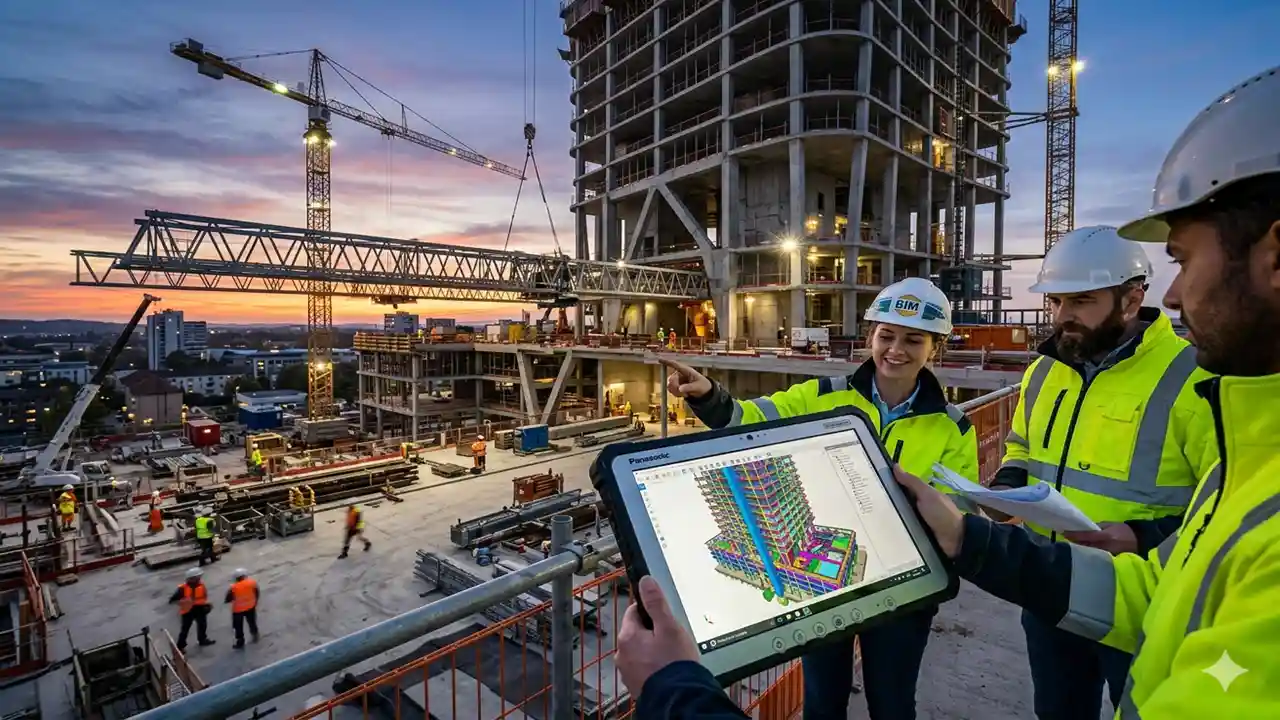
Enter BIM 360, a cornerstone of the Autodesk ecosystem that has redefined how teams manage project lifecycles. Whether you are an architect in Bangalore or a project manager in Berlin, understanding the power of BIM 360 is essential for delivering high-quality results on time and within budget.
In this guide, we’ll explore how BIM serves as a “single source of truth,” the specific modules that drive efficiency, and how it continues to evolve alongside the Autodesk Construction Cloud (ACC).
1. What is BIM 360 and Why Does It Matter?
At its core, BIM 360 is a unified, cloud-based platform designed to centralize project data. Unlike older methods where drawings were swapped via email and version control was a nightmare, BIM creates a digital library accessible from a desk or a mobile device (Autodesk Construction Cloud Learning Center, 2025).
By housing everything—from 3D Revit models to 2D PDFs and site reports—in one location, it ensures that every stakeholder is working from the most recent set of documents. This transparency reduces the risk of expensive rework caused by outdated information, a pain point that has historically plagued the construction industry (Kaarwan, 2026).
Concrete Companies Near Me: A Guide to Choosing the Right Professional
2. Key Modules of the BIM Ecosystem
To understand the versatility of the platform, you have to look at its specific modules. Each is tailored to a different phase of the construction lifecycle:
BIM 360 Docs: The Foundation
Every project starts with BIM Docs. It handles document management, allowing teams to publish, manage, and review all project files. Features like electronic redlines and automated version history ensure that an “audit trail” is always available for every change made.
BIM 360 Design (BIM Collaborate Pro)
For teams co-authoring models, BIM Design now frequently referred to under the BIM Collaborate Pro umbrella—allows multiple people to work on the same Revit model simultaneously in the cloud (Graitec, 2026). This real-time synchronization prevents “save-over” errors and speeds up the design review process.
Construction Site: A Guide to Modern Management and Safety
BIM 360 Coordinate (Model Coordination)
This module is the “referee” of the pre-construction phase. It automatically identifies “clashes”—such as a structural beam intersecting with an HVAC duct before they are ever built (Kaarwan, 2026). Fixing a clash in a virtual model is significantly cheaper than moving a physical wall on-site.
3. Real-Time Collaboration: From Office to Field
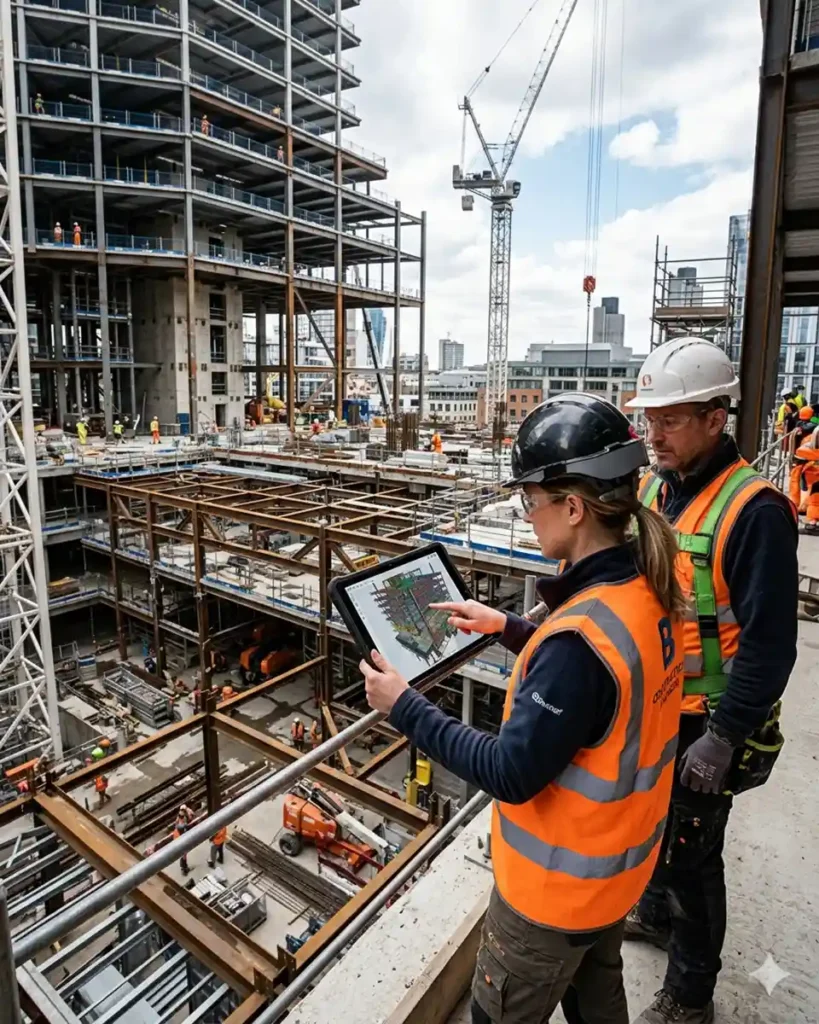
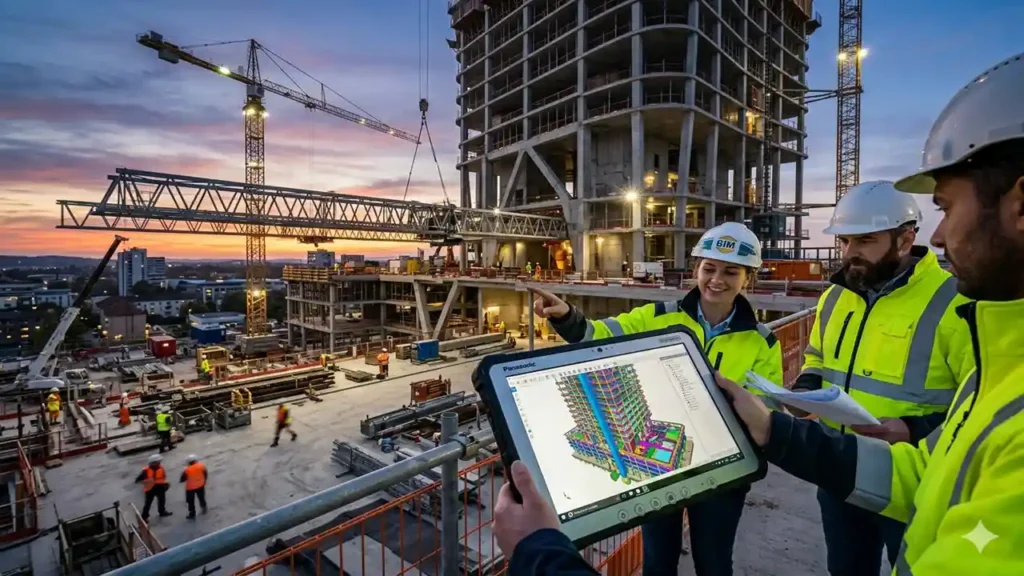
One of the greatest benefits of BIM 360 is its mobility. Using the BIM 360 mobile app, field workers can log issues, conduct safety audits, and update punch lists directly from the site (BIM Associates, 2026).
According to Autodesk’s latest trends report, the shift toward “connected, data-driven project delivery” is no longer optional. By 2026, digital project delivery has moved from an innovation strategy to a contractually expected standard. Platforms like BIM 360 facilitate this by providing real-time insights into project health, helping managers anticipate risks before they escalate (EduCADD Kammanahalli, 2026).
4. BIM 360 vs. Autodesk Construction Cloud (ACC)
A common question in 2026 is whether BIM 360 is being replaced. The reality is more of an evolution. While Autodesk has introduced the Autodesk Construction Cloud (ACC) as a more integrated system with a modern interface, many existing projects still rely on the robust infrastructure of BIM (BIM Cafe, 2026).
- BIM : Focuses heavily on the document and coordination stages.
- ACC: Expands into full construction workflows, including bidding and takeoff tools (Graitec, 2026).
Currently, a subscription to BIM Collaborate Pro typically grants access to both platforms, allowing firms to choose the environment that best fits their specific project requirements.
The Ultimate Guide to Using a Construction Calculator for Your Next Project
5. Frequently Asked Questions
Is BIM 360 still being used in 2026?
Yes, BIM 360 remains a primary platform for AEC collaboration. While Autodesk has shifted development focus to the Autodesk Construction Cloud (ACC), BIM continues to support thousands of active projects globally and offers deep integration with Revit, Civil 3D, and Plant 3D.
Can I use BIM 360 without internet access?
While it is a cloud platform, you can use the Desktop Connector to sync documents locally to your computer. On mobile, you can download specific documents for offline viewing and sync your changes once you regain a connection (Autodesk, 2025).
6. Improving Accuracy and Reducing Costs
The financial impact of implementing BIM cannot be overstated. By automating routine tasks like document approvals and clash detection, firms save hundreds of man-hours. Furthermore, the “Insight” module uses AI to track data patterns, helping companies improve their performance across multiple projects (LVI Associates, 2026).
In regions with high-demand infrastructure needs, such as the metro rail projects in India, BIM 360 is often mandated to coordinate work across dozens of consultant firms simultaneously (Kaarwan, 2026).
Concrete Contractors: A Comprehensive Guide to Hiring the Best for Your Project
Embracing the Future of Construction
As we navigate 2026, the construction industry is moving toward a more connected, automated, and intelligent future. BIM 360 is more than just a storage locker for files; it is a collaborative engine that powers modern project delivery. By centralizing data and fostering transparency, it allows teams to build faster, safer, and with greater certainty.
Ready to streamline your next project? Explore the official Autodesk learning path to see which BIM 360 modules are right for your team and start building a more efficient workflow today.