This is where a concrete block calculator becomes your best friend. In this guide, we will break down exactly how to estimate your masonry needs like a pro, ensuring your project stays on budget and on schedule.
What is a Concrete Block Calculator?
A concrete block calculator is a digital tool or formula used to determine the number of CMUs (Concrete Masonry Units) required to cover a specific surface area. By inputting the length and height of your wall, these calculators account for the standard dimensions of a block plus the thickness of the mortar joints.
The goal is precision. According to building standards maintained by organizations like the National Concrete Masonry Association (NCMA), having an accurate material takeoff is the first step in ensuring structural integrity and cost-efficiency.
Why Precision Matters in Masonry
Construction waste accounts for a massive percentage of landfill volume. By using a concrete block calculator, you aren’t just saving money; you’re participating in more sustainable building practices.
The Ultimate Guide to Choosing and Maintaining a Concrete Bird Bath
Understanding Standard Block Dimensions
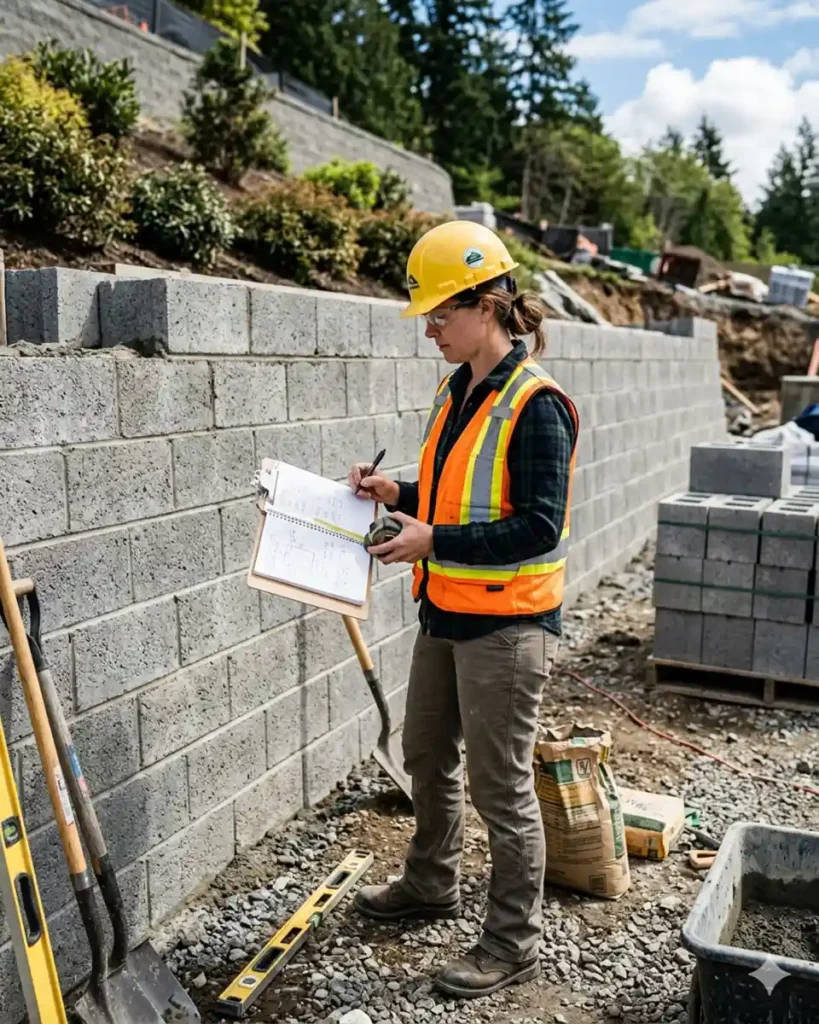
Before you can use a concrete block calculator, you need to know what you are measuring. In North America, the most common “standard” block is the 8x8x16 unit.
However, it is vital to distinguish between nominal and actual size:
- Nominal Size: 8″ x 8″ x 16″ (This includes the mortar joint).
- Actual Size: 7 5/8″ x 7 5/8″ x 15 5/8″.
The standard 3/8-inch mortar joint makes up the difference. Most calculators are pre-programmed to assume a standard 8×16-inch face area, which conveniently equals 0.89 square feet per block.
How to Calculate Concrete Blocks Manually
While using an online concrete block calculator is the fastest method, understanding the manual formula helps you double-check the results on-site.
Construct Connect: Building a Smarter Future for Modern Contractors
The Step-by-Step Formula
- Measure the Wall: Find the total length and the total height of the wall in feet.
- Calculate Total Square Footage: Multiply Length × Height.
- Account for Block Size: Divide the total square footage by 0.89 (the square footage of one standard 8×16 block).
- The “Waste” Factor: Always add 5% to 10% to your final number to account for broken blocks or cuts.
Example:
If you have a wall that is 20 feet long and 4 feet high:
- $20 \times 4 = 80 \text{ square feet}$
- $80 / 0.89 = 89.88$ (Round up to 90 blocks)
- Add 10% for waste: $90 + 9 = 99 \text{ blocks}$
Factors That Influence Your Block Count
Using a concrete block calculator provides a great baseline, but real-world variables can shift your numbers.
1. Openings (Windows and Doors)
If you are building a garage or a house, you must subtract the square footage of any openings from your total wall area before dividing by the block size.
Concrete Steps: The Ultimate Guide to Building Durable Outdoor Stairs
2. Corner Blocks and Pillars
Corners often require specific “half-blocks” or corner units to maintain the running bond pattern. While a basic concrete block calculator handles flat surfaces, you should manually count your corners to ensure you order enough specialized end-units.
3. Mortar and Grout
Don’t forget that blocks are only half the story. For every 100 blocks, you typically need about 6 to 9 bags of pre-mixed mortar. If your project requires “core filling” (pouring concrete into the holes of the blocks for strength), your material needs will increase significantly. You can consult the American Concrete Institute for specific structural reinforcement codes.
Essential Tips for Using a Concrete Block Calculator Effectively
To get the most out of your concrete block calculator, keep these expert tips in mind:
- Work in Consistent Units: Ensure all your measurements are in feet or all in inches. Mixing units is the #1 cause of ordering errors.
- Check Your Block Type: Are you using 4-inch “paving” blocks or 12-inch structural blocks? The face size (Length x Height) is what matters for the count, not the thickness.
- Consult Local Building Codes: Some regions require specific block strengths (PSI) depending on soil conditions or seismic activity. Check with your local government building department to ensure your selected blocks meet local safety standards.
ConstructConnect: The Ultimate Guide to Modern Pre-Construction Success

FAQ
How many 8x8x16 blocks are in a square foot?
There are approximately 1.125 blocks per square foot. Most builders simplify this by using the multiplier of 1.13 when doing quick mental math.
How much does a pallet of concrete blocks hold?
A standard pallet usually contains 72 to 90 blocks, depending on the manufacturer and the weight capacity of the delivery truck.
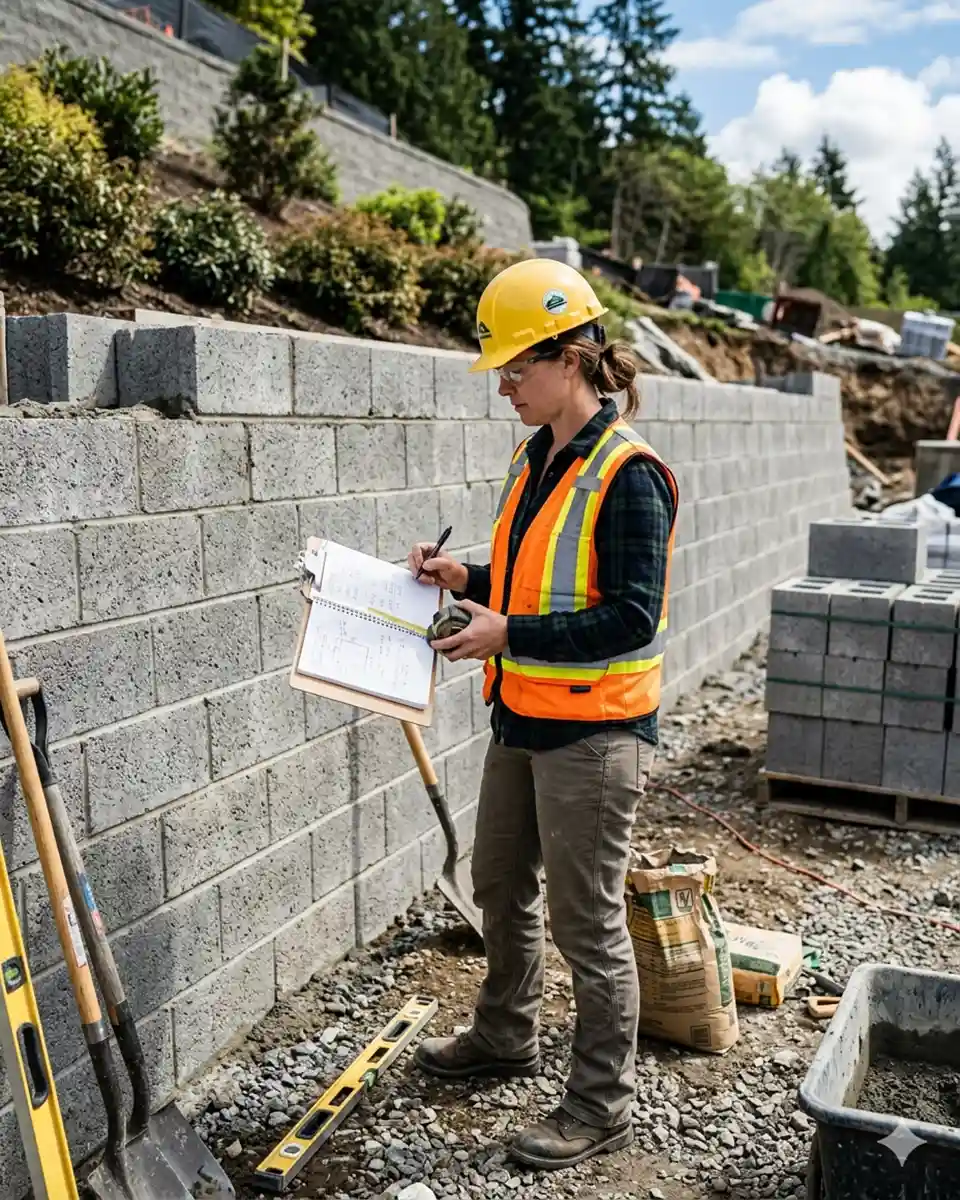
Can I use a concrete block calculator for a retaining wall?
Yes! However, retaining walls often require “cap blocks” for the top row. Ensure you calculate the linear footage of the top of the wall separately to get the right number of caps.
Final: Plan Twice, Build Once
Mastering the use of a concrete block calculator is the difference between a smooth weekend project and a logistical nightmare. By taking the time to measure accurately, account for waste, and understand your material dimensions, you set yourself up for construction success.
Ready to start your next project? Use our concrete block calculator formulas today to generate your shopping list. Once you have your numbers, head to your local masonry supply yard to compare prices and delivery options.